Taking part
Planting your lineage
Patterns, colors, free draw and the paint fee.
Planting writes cells into the world, in a color you choose. Those cells and every cell born from them are your lineage.
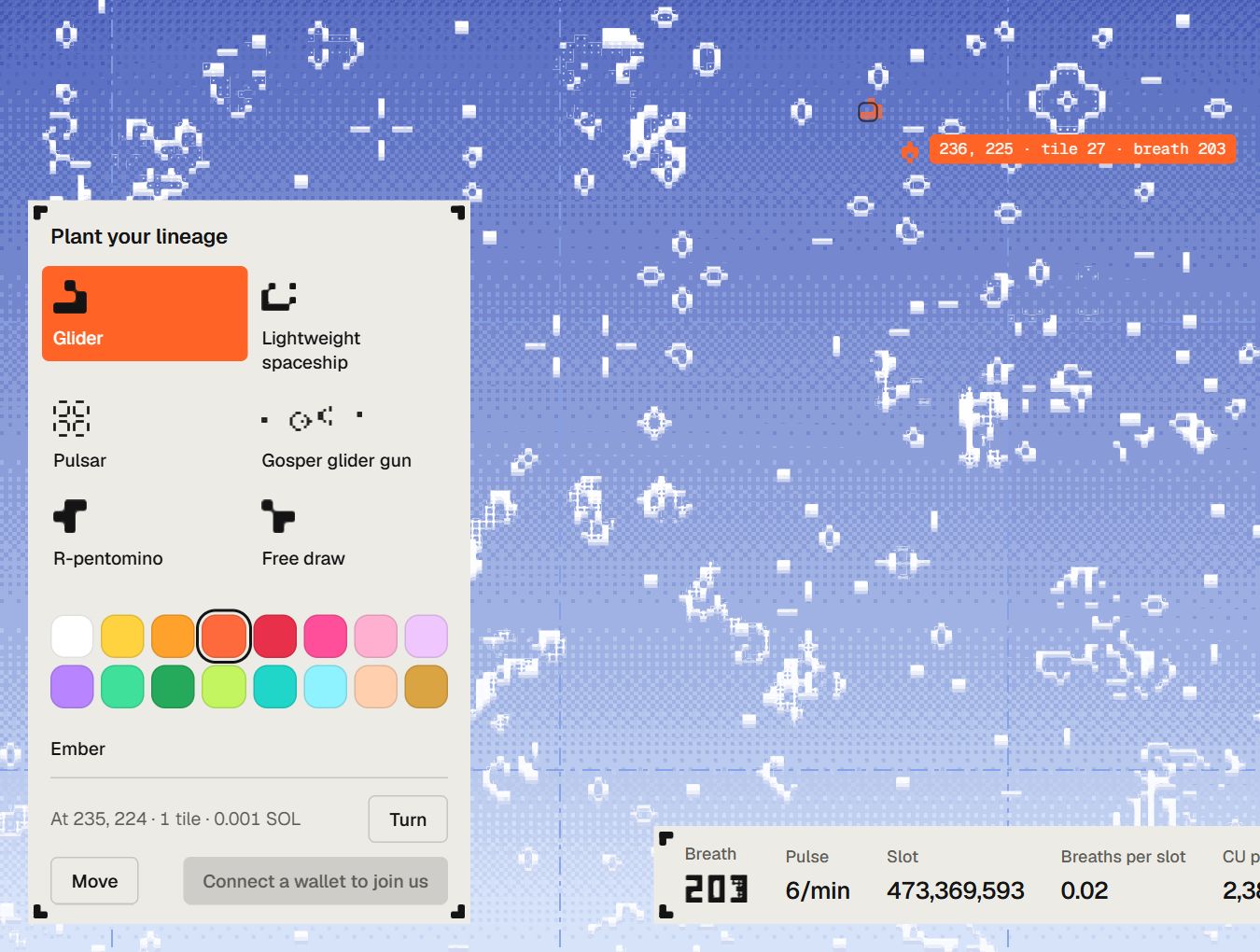
Plant a pattern
- In Plant your lineage, pick a pattern: Glider, Lightweight spaceship, Pulsar, Gosper glider gun or R-pentomino.
- Pick a color.
- Press the field where it should live. The panel shows where it lands, how many tiles it touches and the fee.
- Turn rotates it a quarter; Move lets you place it again.
- Press Plant. The panel shows the tiles, the transactions and the total fee; press Sign and approve in your wallet. The cells appear in the frame as it is when your planting lands.
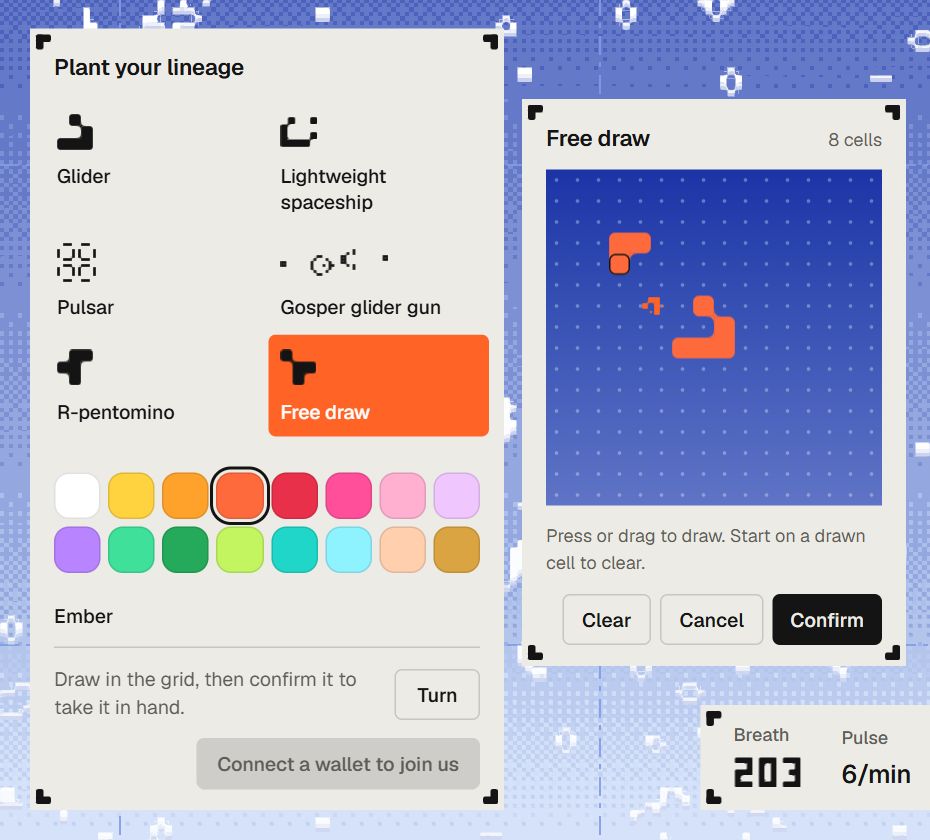
Free draw
Pick Free draw to make your own shape. Press or drag in the grid to draw, start on a drawn cell to clear, then Confirm to take it in hand and place it like any pattern.
Colors
There are 16 colors. A cell keeps its color while it lives. A newborn cell takes the color that two or three of its three parents share; when all three differ, it takes one of theirs in a fixed order. Where two lineages touch, their newborns can come out in either color.
Your lineage is the color of your latest planting. Before you plant, it is a color given by your wallet address.
The paint fee
Each tile a planting touches costs one paint fee, shown in the panel before you sign, plus Solana's network fee. A pattern across two tiles pays twice. Every paint fee goes to the launch wallet. Half of it buys 〔 〕 back through Jupiter and burns it; the other half stays with the developer. The Token page has the rest.